Birdhouse

Years ago, back when Twitter was in its golden age, there was this little app called Birdhouse. The purpose was pretty awesome—drafts! Believe it or not, drafts was not a built-in option. Over time, it did become obsolete, however the idea was still pretty great for us who were apart of Twitter back when it started.

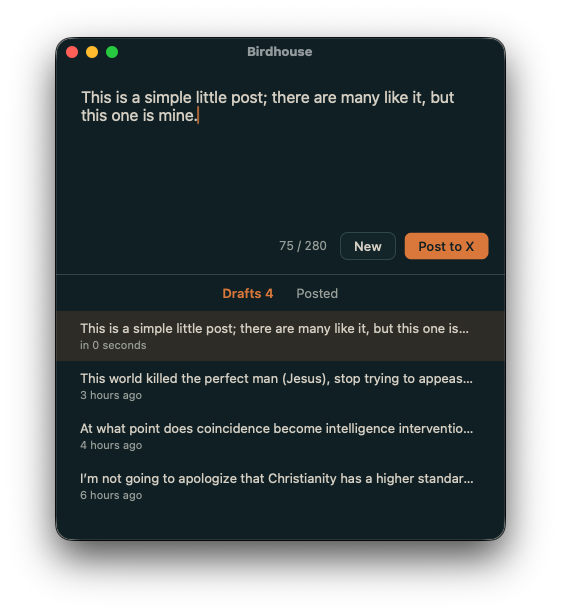
So, today I had Claude vibe code a super simple macOS app. It works just as simple. Draft a post (yes, I know X has this feature, but I like it natively) and I can share when ready (opens X, pastes as new post). I’ve assigned hotkeys and iCloud sync via .md files. Runs at max 50mb in the background (will work on lowering that by more than half in the future).

If I can get permission from the original creators of Birdhouse, I would be more than glad to share it to the public, but in the meantime it’s my private app to relive those years.
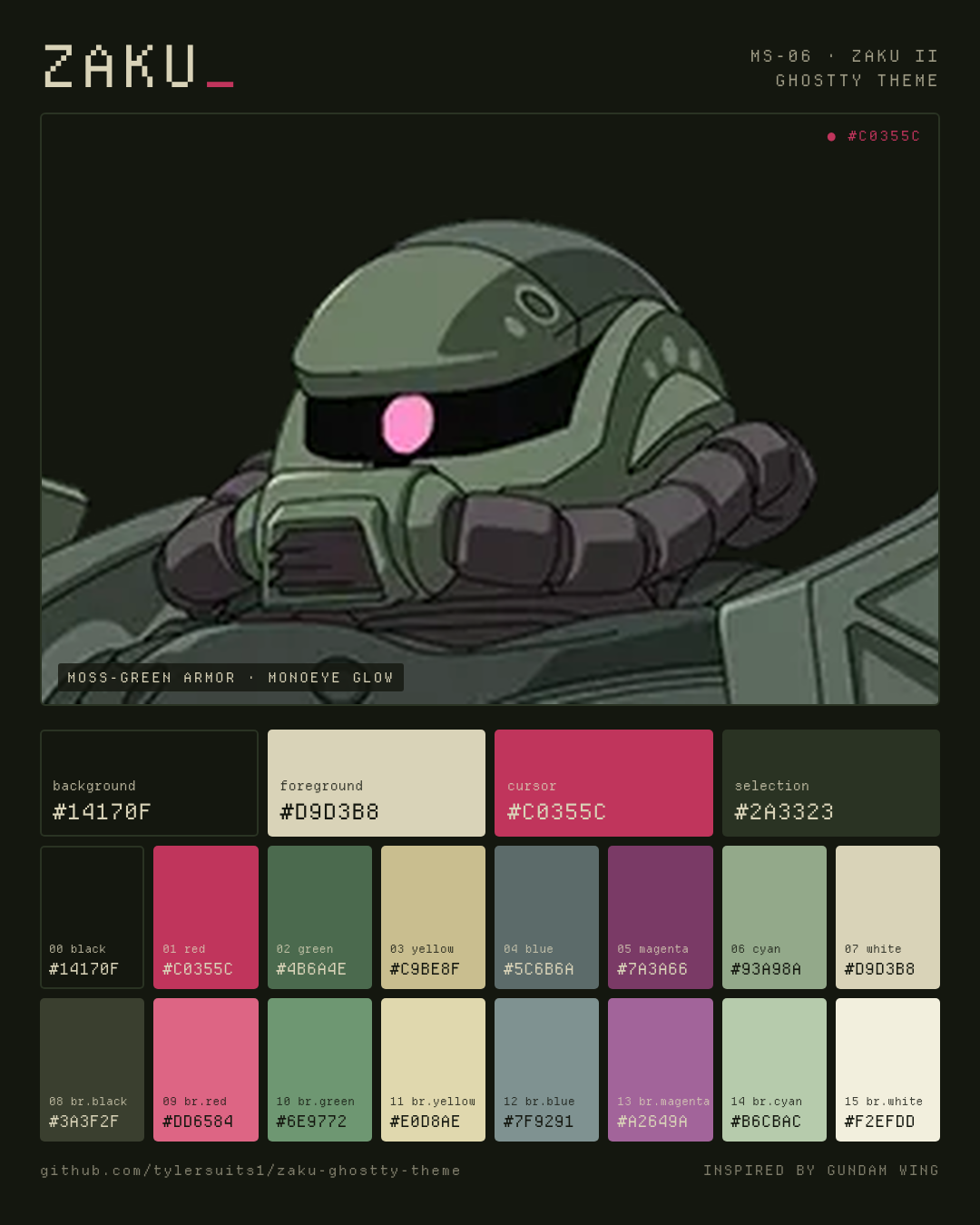
Ghostty Themes - Gundam Tallgeese and Zaku

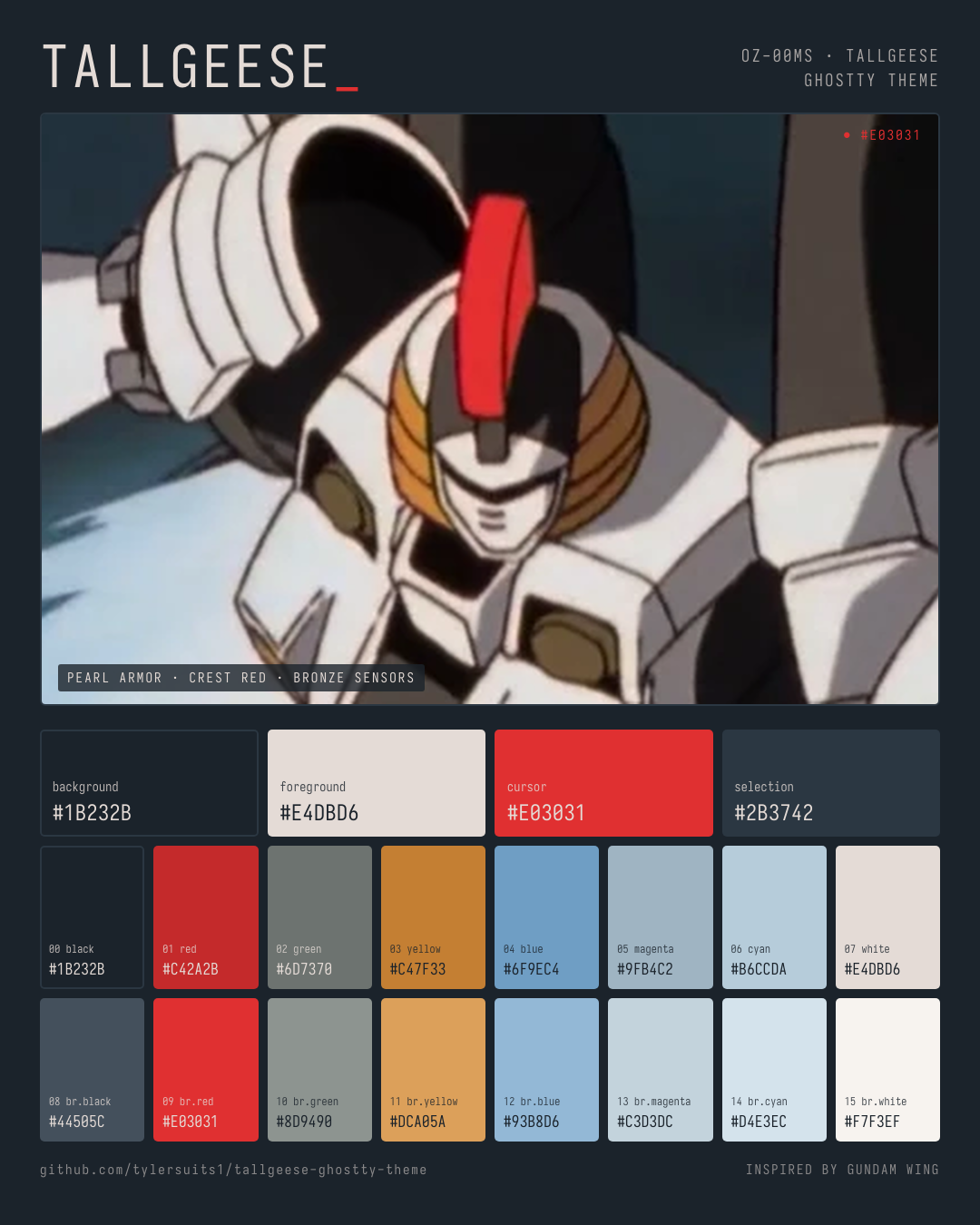
Longtime fan of the Gundam Wing series, and my favorite Gundam was the Tallgeese, so I wanted to have a Ghostty theme to reflect that. However, I know a fan favorite has been Zaku, so why not toss that in there too!

Don’t forget, you can use my app Sheets to manage all your terminal themes!

Github: Tallgeese

Github: Zaku


bsbl

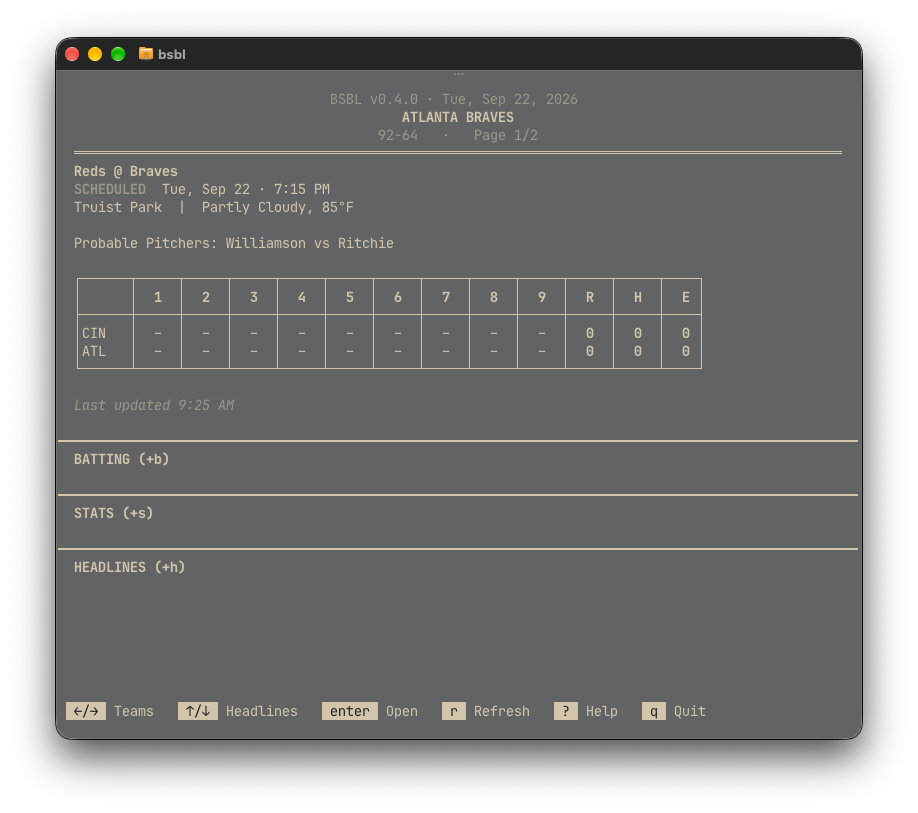
I wanted a simple and to the point TUI app for MLB. Since I was unable to find what I wanted, I created it.

bsbl is a newspaper-styled terminal app for following MLB games and players, built in the spirit of tools like Newsboat. Launch it and you get live scores, an inning-by-inning box score, batting order, and season player stats for whichever teams you follow, plus a live at-bat view during games showing the current batter and pitcher, ball-strike count, outs, who’s on base, and the last pitch thrown, along with a scoring-plays recap screen that lists every play that put a run on the board, grouped by inning. You can also follow individual players outside your main teams and see their stats and headlines on one aggregate page. All navigation is arrow keys and single-letter hotkeys, headlines come from Google News and Bing News, and all the baseball data comes from MLB’s free, keyless Stats API, so there’s no account, no API key, and nothing to sign up for. It’s free to install via Homebrew and open source on GitHub.

Github: bsbl

Brew

brew tap tylersuits1/bsbl https://github.com/tylersuits1/bsbl && brew install bsbl


Fixed - TinyCast x Apple Reminders

Couldn’t find a clear cut way to fix the Apple Reminders (by thomaslombart) bug in TinyCast. Worked perfectly in RayCast for me, but after my switch a much used plugin just “stopped;” Getting “auth errors.” So, I burned my tokens so you dont have too, fix below.

The Git Issue Report can be found here.

Root cause

/Applications/Tinycast.app/Contents/Info.plist had usage-description keys for Apple Events, Bluetooth, Calendars, and Camera, but no NSRemindersFullAccessUsageDescription. Without that key, macOS refuses the EventKit Reminders authorization request outright: no prompt, no Settings entry, just a silent denial. That’s exactly what accessDenied was surfacing.

The fix

  1. Back up Info.plist.
  2. Add the missing key: plutil -insert NSRemindersFullAccessUsageDescription -string ”…” Info.plist (and the legacy NSRemindersUsageDescription for good measure).
  3. Re-sign the app ad-hoc, since editing Info.plist invalidates the existing signature: codesign —force —deep —sign - Tinycast.app.
  4. Quit and relaunch Tinycast — macOS then shows the real permission prompt, and Allow works.

Caveat: this patch lives in the installed bundle only, so a Tinycast update wipes it out and it has to be reapplied. The real fix is Tinycast adding the key upstream.

Bonus bug

  • While digging through Tinycast’s open-source Swift code to debug a separate issue — extension list views (like Apple Reminders’ “My Reminders”) not dismissing on Escape or click-off — I traced the likely gap and filed it as issue #999.
  • Date would throw a error when trying to save a Reminder via the quick add. Issue addressed, filed under #1002.

Sheets v0.1.1

Had a few bugs come up in the real-world testing, thank you to the community for helping me identify those. List of fixes below.

v0.1.1 — bug-fix release

  • Fixed macOS Gatekeeper showing “‘Sheets.app’ is damaged and can’t be opened” for anyone downloading the app — v0.1.0’s code signature was incomplete (Tauri’s default bundling only signed the executable, not the bundle’s resources), which Gatekeeper treats as a hard failure with no override on any browser-downloaded copy
  • Added bundle.macOS.signingIdentity: "-" so Tauri now performs a full, properly-sealed ad-hoc signature over the whole app bundle (no paid Apple Developer account required)
  • Verified fix: even with a simulated browser-download quarantine flag, the app now shows the normal “unidentified developer” prompt (openable via right-click → Open) instead of the fatal “damaged” dialog
  • Added scripts/verify-signing.sh (npm run verify:signing) to automatically catch this exact defect before any future release ships
  • Updated the Homebrew cask (Casks/sheets.rb) to the new version and checksum
  • Added an MIT license
  • No application logic changed — all 33 backend tests unaffected and passing

For anyone stuck on the broken v0.1.0 copy: xattr -cr /Applications/Sheets.app fixes it in place without redownloading.


Sheets is Live

Was able to wrap up developing Sheets yesterday night, so I wanted to push and release it today / before the weekend.

It’s my first “app,” so I am likely going to learn a lot from this experience, but I am very excited for this release as I think it is a tool that most Ghostty/Terminal users would enjoy having.

Going to work on an Omarchy release next chance I can, just a few tweaks for that to happen, but I want to make sure it deploys correctly before making it official.

Download: Github

Brew:

brew trust --cask tylersuits1/sheets/sheets
brew tap tylersuits1/sheets https://github.com/tylersuits1/Sheets.git
brew install --cask sheets

Cooking It Up

For a few months now, I’ve been wanting to create a few tools/apps that have been on my mind and finally figured out a good system that fits my schedule to make it happen. I’ve been writing, brainstorming, and designing in my head now for weeks - then putting it into Obsidian, which made it super fast and easy to bring it to life.

On top of that, I was able to finally fix and clean my website. It’s no longer just a landing page, but it actually is a resume/showcase of everything in one place. I still have a ton of changes I would like to make, which will come with time, but the hard part has been handled.

Finally, to note, the dedicated blog on my site is going to push me to want to write more and be more involved in the things that I am creating and doing. Accountability of sorts.

Lets get to cooking.